
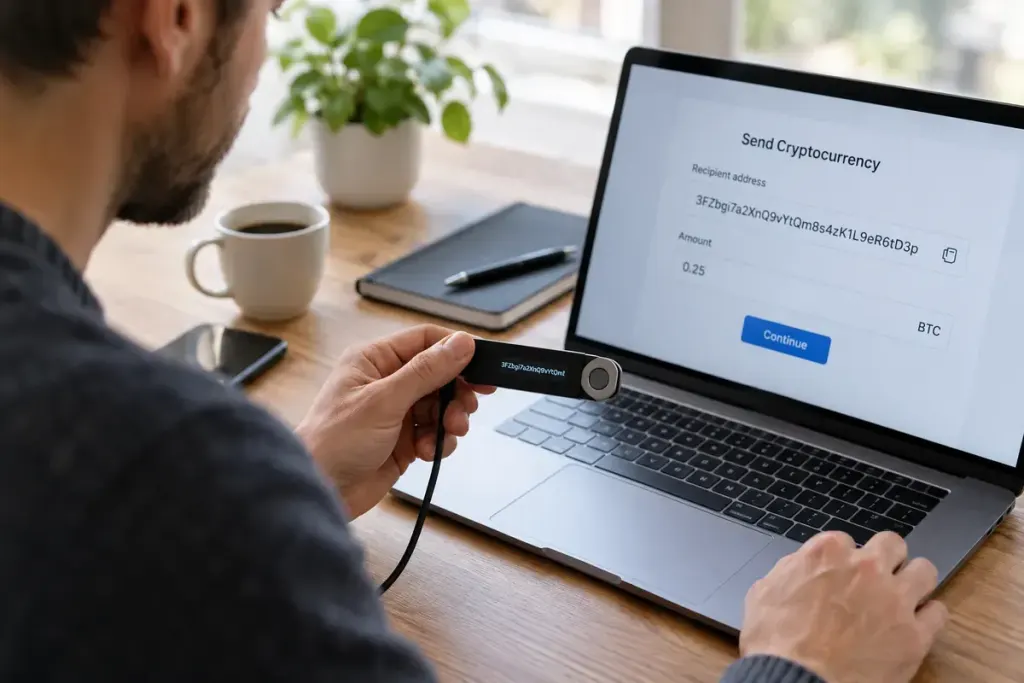
A copied address can look plausible and still be the wrong destination. A hardware wallet gives you another place to examine transaction details, but the useful security step is the comparison you make before approving them.
Trezor’s explanation of its trusted display recommends verifying the address on the device itself. That check is designed to help detect a mismatch between what a computer presents and what the hardware wallet is being asked to approve. It does not establish whether a recipient is honest.
Check the destination through the right channel
Obtain the recipient’s details through a channel you trust. For an exchange deposit, use your own authenticated account and check the asset, network and any required memo or destination tag. A visually similar address is not evidence that the network is compatible.
Compare the full address using the wallet’s supported display process. Do not rely only on the first and last characters or on an address copied from transaction history. If any detail differs, stop and establish why before proceeding.
Receiving also deserves a check
When generating your own receiving address, use the wallet’s verification feature to confirm that the address displayed by the companion application matches the hardware device. Follow instructions for the exact wallet model and asset; interfaces differ.
A small test transfer can reveal some operational mistakes, but it does not guarantee that a later address or network choice will be correct. Repeat the checks for each transfer and consider fees before sending a test.
Keep recovery secrets separate
No address check requires sending a recovery phrase to a recipient or support agent. Treat a request to disclose that secret as a reason to stop. An approved transaction may be difficult or impossible to reverse, so slowing down at the confirmation screen is part of using the device, not an optional inconvenience.